Skip to content

Immersive Technology

AR & VR Development

Experiences beyond the screen.

AR and VR experiences for training, campaigns and products: WebAR that opens from a link, native AR apps for iOS and Android, VR training for headsets and the Unity development behind them. Every build is tested on the phones or headsets people will use.

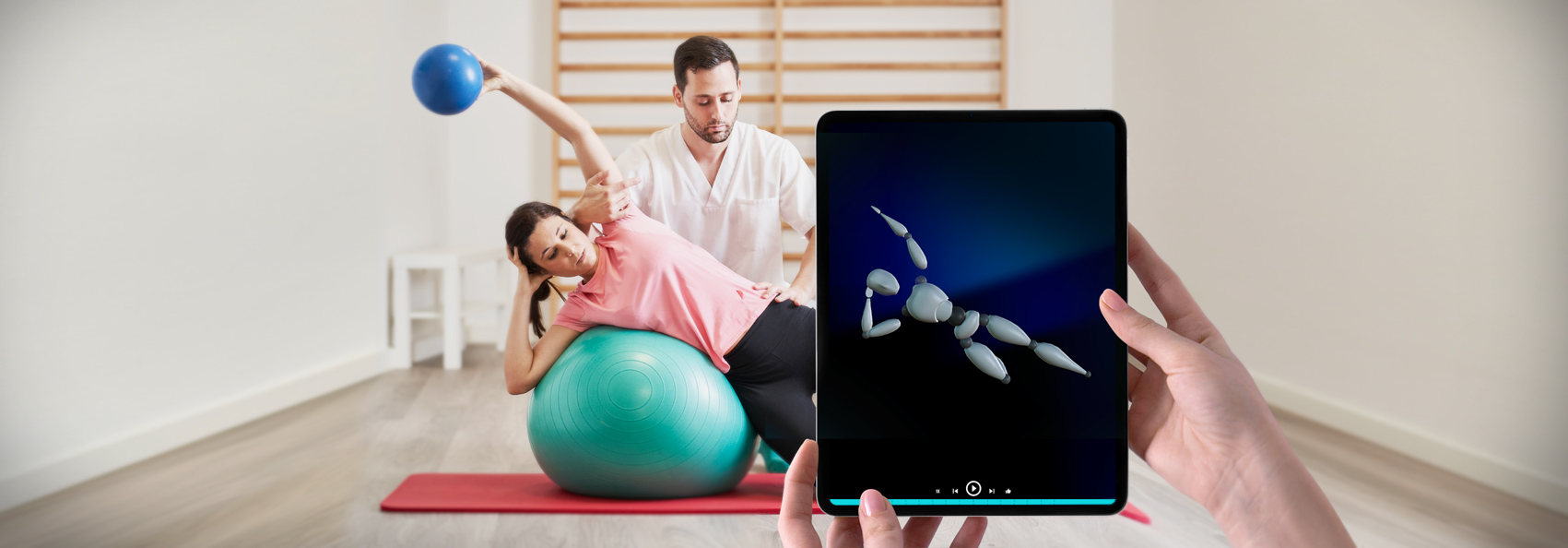
Augmented reality campaign scene on a phone
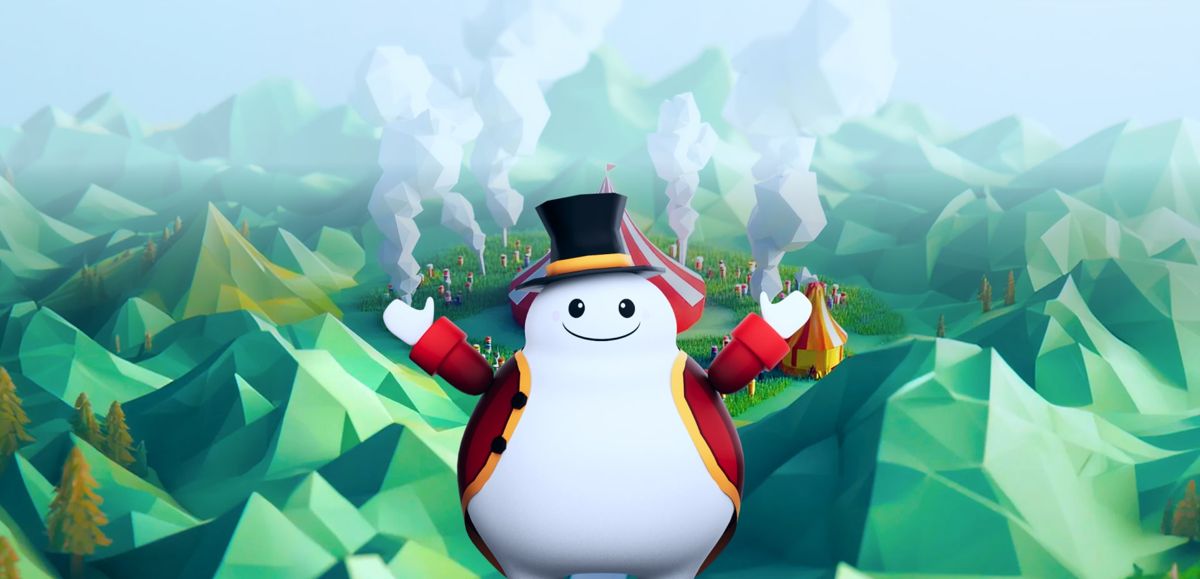
Carnival of Truth, a WebAR health education campaign
Clients

Companies we’ve worked with.

Sound Familiar?

Where AR and VR projects usually start

Most people who call us are not sure yet whether they need AR or VR. The problem they describe usually settles it.

Immersive Services

AR, VR and 3D development services

SLIDEFACTORY is an AR and VR development company. We build for phone browsers, native apps and headsets, and the same team makes the 3D assets and Unity development each experience needs. For local projects, see our AR and VR agency in Portland.

Three phones showing WebAR holiday scenes placed on downtown streets
Augmented Reality

Augmented reality development on the phones people already carry

The AR projects below run on phones. WebAR opens from a link in the mobile browser, so nobody installs anything, which suits campaigns and events. A native AR app makes sense when people come back to create, collect or buy. As an augmented reality development company, we build both, along with the 3D characters and scenes they show.

  • WebAR campaign. Carnival of Truth teaches young people about the risks of vaping and smoking through carnival games and characters tied to real locations. We were the build partner for another agency. Carnival of Truth case study
  • Location-based scenes. Our own Holiday Hunt placed six hidden holiday scenes on downtown streets, with a web app for clues and a map. It launched on schedule for its early-December date. Holiday Hunt case study
  • Native AR app. Arkh lets people build voxel creations on iOS and Android and place them in real spaces. We built the voxel editor and the AR placement tools in Unity.
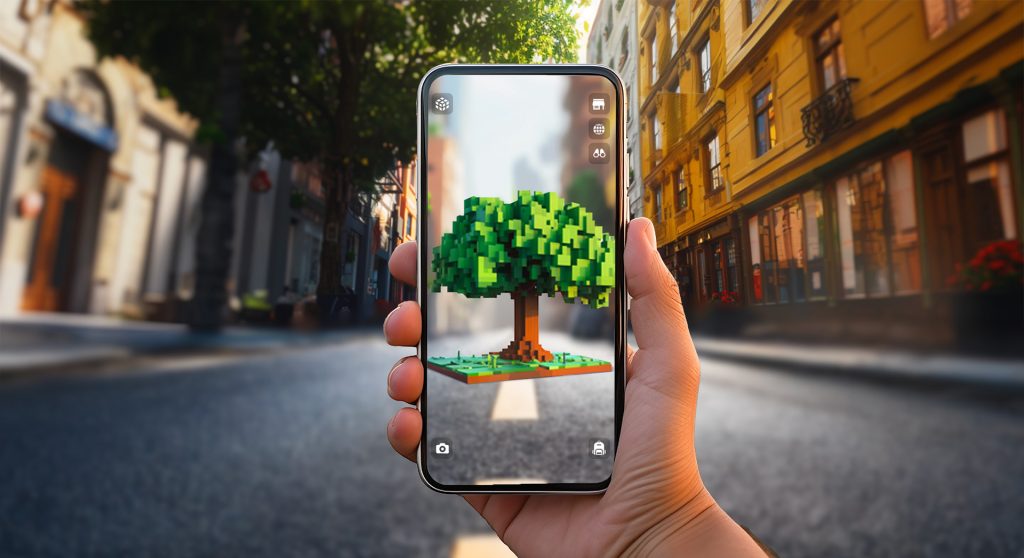
Arkh mobile AR app
About 2,600

Hours of Unity, middleware and app development

2020 to 2022

Engagement, through private beta and wider release

iOS + Android

One AR app on both stores

Read the Arkh case study
AR or VR

AR vs VR: the difference, and how we choose

The difference between AR and VR is what happens to the room. Virtual reality replaces the surroundings with a digital environment, usually through a headset, which suits training, rehearsal and simulation. Augmented reality adds digital objects to the place someone is already standing, usually through a phone, which suits campaigns, product views and instructions on equipment. WebAR is augmented reality that opens from a link, with no app to install.

  • We build both

    Headset apps, WebAR, native AR apps and the 3D assets that go into each.

  • The task decides

    Which one fits gets settled in scoping. Sometimes a video or a web app does the job for less, and we will tell you.

  • Test before the full build

    A working prototype on the target phone or headset answers comfort, tracking and usability questions early.

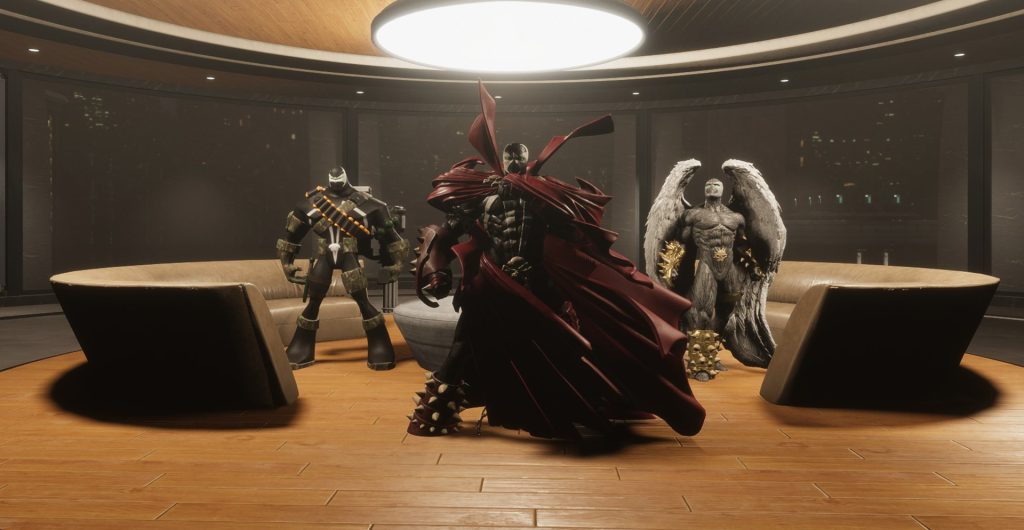
A character guide speaking to a trainee inside a VR training module
Virtual Reality

VR development for training, venues and creator tools

For Gigaphoton, we built VR maintenance training around 3D digital twins of real equipment, with AI narration, guided and free-form practice, and multi-user sessions between Japan and the US. The VR training we built has been in production for over six years. Our VR development page covers training, headsets and Apple Vision Pro in detail.

  • Industrial training. Procedures on hazardous equipment, practiced in a headset before anyone touches the machine. Gigaphoton case study
  • Free-roam VR. Operator software for LimitlessVR: cloud administration, a registration kiosk, mobile login and in-game interface. LimitlessVR case study
  • Creator tools. Byldr, an app for building VR environments from inside the headset, with hand tracking and 3D model import. Byldr case study
How a Project Works

How an AR or VR project runs

  1. 01

    Pick the device and the setting

    We agree what people need to see or do, where they will be, and whether that calls for a phone, a headset or neither.

  2. 02

    Prove the core interaction

    We build the one mechanic everything depends on and test it on the phone or headset people will use. Tracking, comfort and load time get settled here.

  3. 03

    Finish one scene or module

    One scene, procedure or campaign moment is completed with its 3D assets, interface and supporting systems, so you can review a finished piece before the rest is built.

  4. 04

    Launch and support

    We prepare the release for its channel, from a campaign link to an app store or a set of headsets. Support usually runs for one month after launch.

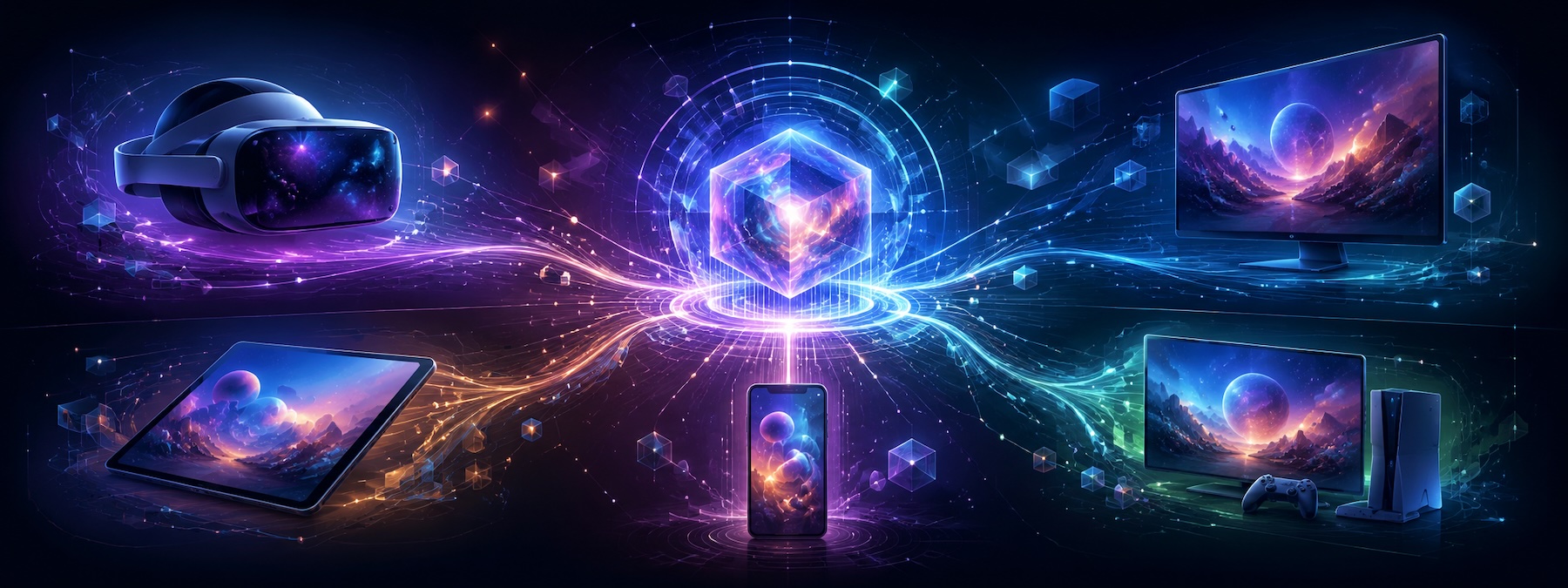
Illustration of a VR headset, phones, tablets and screens
What We Build With

AR and VR devices, engines and tools we use

The engine and delivery route follow the device decision. The 3D assets, digital twins and back-end admin tools are built in-house.

  • Headsets and devices. Meta Quest, Apple Vision Pro, HoloLens, Pico, Vive, phones and tablets.
  • Engines. Unity and Unreal.
  • Browser AR and VR. WebXR, A-Frame, three.js, Zapworks, Onirix and the self-hosted 8th Wall engine.
  • Filters. Lens Studio.
  • Training builds. AI-generated voices and characters.
  • Handover. The working experience, with the completed app and its code on request.
Getting Started

Start with a two-week AR Prototype Sprint

The sprint has a fixed scope. Larger AR, VR and Unity projects get a written estimate after a scoping conversation.

AR Prototype Sprint

In two weeks we build one AR scene with one 3D asset, test it on the phones it needs to run on, and write an estimate for the full campaign. It is a defined first step for a location-based activation, a branded interaction or a product experience.

What's Included
  • One AR scene
  • One 3D asset
  • Testing on the phones it will run on
  • A written estimate for the full campaign
  • Timeline: two weeks
Other ways to start
  • A scoped first VR training module

    One procedure built and tested on the intended headset, with a written rollout estimate.

    VR development
  • A game or Unity build

    A playable core mechanic, or an existing Unity project brought back to a working build.

    Unity and game development
  • A full AR campaign build

    Scenes, locations and launch planning for a campaign with a fixed date. Most AR campaigns take one to three months from kickoff to launch.

    AR campaigns and activations
FAQs

Questions about AR and VR development.

AR or VR: which fits our project?

VR replaces the surroundings with a digital environment. AR adds digital objects to the place someone is already in. That is the practical difference between AR and VR, and we decide by the task: practicing a hazardous procedure may call for VR, while interacting with a product or a location may call for AR. We build both augmented reality and virtual reality experiences, and sometimes recommend a video or web app instead.

Do people need to download an app?

Not always. WebAR opens from a link in a mobile browser without an installation. We used it for Carnival of Truth and our own Holiday Hunt experience. Native apps and headsets are options when the interaction needs their capabilities. See AR campaigns and activations.

Which headsets and devices do you build for?

We work with Meta Quest, Apple Vision Pro, HoloLens, Pico, Vive, phones and tablets. Each project is tested on its target hardware before the full build.

What does VR training involve?

We model the real equipment or setting, then build guided and free-form interactions around the procedure. For Gigaphoton, the work included 3D equipment twins, AI narration and multi-user practice between Japan and the US. See VR training.

How long does an AR or VR project take?

The AR Prototype Sprint takes two weeks. Most AR campaigns take one to three months from kickoff to launch. The first version of Gigaphoton’s VR maintenance training took about three months. Scope and hardware affect the schedule.

What does an AR or VR project cost?

Each project gets a written estimate after a scoping conversation, including the two-week AR Prototype Sprint. AR app development cost and VR project cost move with the number of scenes or scenarios, the 3D assets and digital twins, multi-user features and the devices it has to run on.

Do you work with agencies?

Yes. We work as a white-label development partner and sign an agency NDA. Carnival of Truth was delivered through an agency, with SLIDEFACTORY responsible for concept, design, characters, environment and development.

What do we receive at the end?

You receive the working experience. We hand over the completed app and code on request. Post-launch support is usually one month, with additional work scoped according to the release and future plans.

Do you build for Apple Vision Pro?

Yes. Apple Vision Pro is one of the devices we develop for, either natively or by adapting an existing Unity experience. As an XR development company we cover headsets and phones; our VR development page has the Vision Pro details.

Work With Us

What's next should be worth building.

New products. Better systems. More compelling experiences. Whatever the opportunity, we bring the thinking, creativity, and technical expertise to make it real.

Start a Conversation 4520 SE Belmont St, Suite 300
Portland, Oregon