Skip to content

Immersive Technology

VR Development and Virtual Reality Training

We are a VR development company building virtual reality training, equipment simulations and VR apps for Meta Quest, the browser and Apple Vision Pro. The VR maintenance training we built for Gigaphoton has been in production for more than six years.

Clients

Companies we’ve worked with.

Applications for virtual reality

VR development services

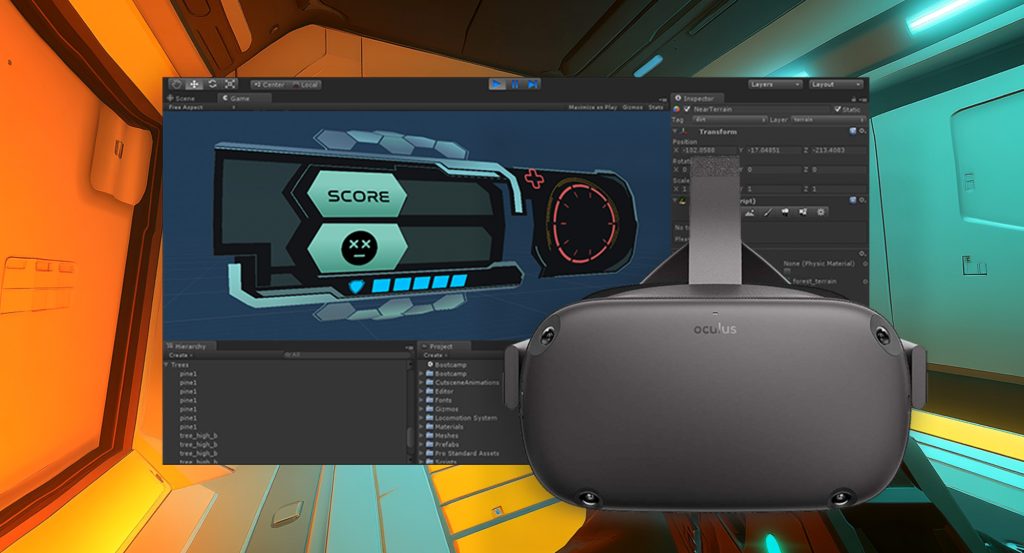
As a VR app development company, we design and build in Unity, from the first interaction test to deployment on the headset.

Virtual reality training

Virtual reality training for hazardous and expensive procedures

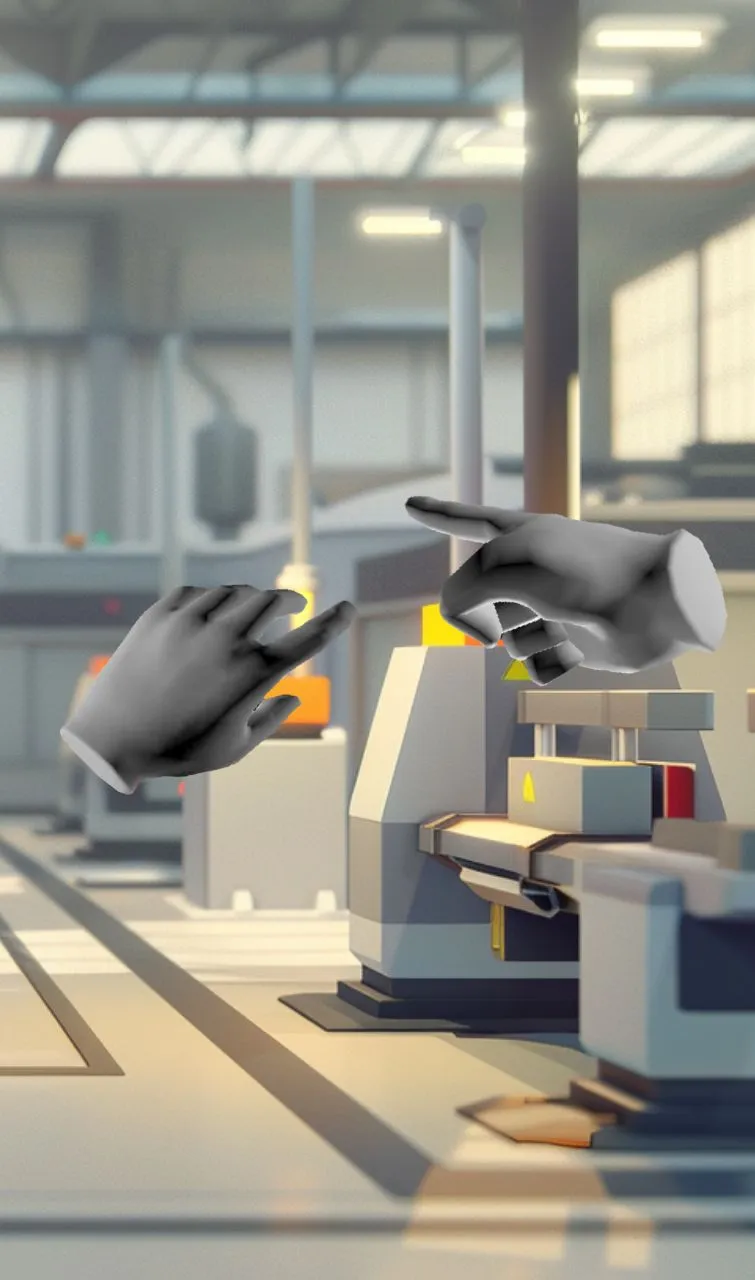
VR training makes sense when the real equipment is dangerous, costly to take offline or in another country, and when people need to repeat a procedure until they can do it without prompts. We recreate the equipment as 3D digital twins, build the simulation around each step, and test it on the intended headset.

  • AI narration and characters

    Generated voices and characters guide each step.

  • Guided and free-form modes

    Instruction first, then independent practice.

  • Multi-user sessions

    Participants at different sites in one shared room.

  • Editable modules

    Your team can revise content when procedures change.

  • Handover

    The finished application and code are available on request.

Industries

Industries we’ve built VR applications for

The headset and engine work stay the same. The procedures, users and places the application runs change with each industry.

All industries
From procedure to module

How we build a VR training module

  1. 01

    Document the real procedure

    Study the tools, actions, sequence and practical constraints with the people who do the work. Determine what the training must recreate.

  2. 02

    Prototype the interaction

    Test controls, movement, comfort and feedback on the intended headset before investing in detailed environments and assets.

  3. 03

    Build a complete module

    Finish one representative procedure or product interaction, with its instructional states and realistic conditions, for actual users to evaluate.

  4. 04

    Deploy and expand

    Prepare the intended headset fleet or browser delivery, observe use and use the results to scope further scenarios or modules.

Choosing hardware and distribution

Choosing a VR headset: Meta Quest, WebXR or enterprise devices

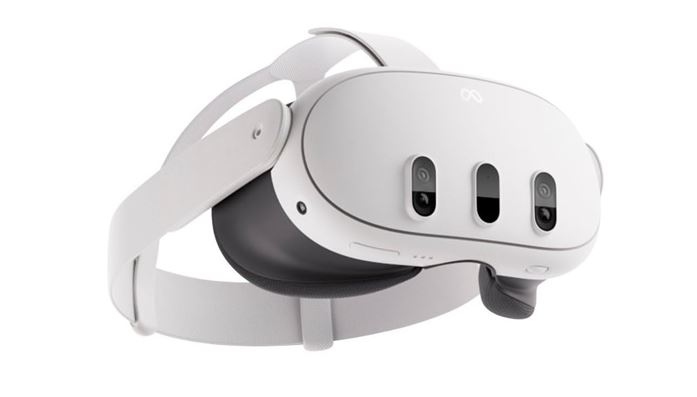
Meta Quest suits managed deployments with many self-contained headsets. WebXR runs in the browser, with a flat-screen fallback for people without a headset. HoloLens, Pico and Vive fit specific operating requirements. We choose Unity or Unreal Engine based on fidelity, interaction and distribution.

Spatial applications

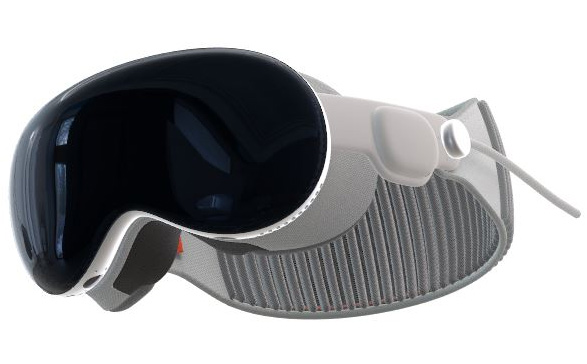
Apple Vision Pro app development and Unity porting

Native visionOS development uses SwiftUI, RealityKit and ARKit. An existing Unity experience may be adapted through PolySpatial when its assets and cross-platform structure are worth preserving. Hands, gaze and passthrough change how someone navigates a task, so the interaction needs review on the intended hardware.

  • Native spatial work

    Specialist professional workflows, product visualization and training designed around Apple’s input and display capabilities.

  • Unity adaptation

    Assess what transfers from an existing application, including 3D content and interaction patterns, and where the controls require new design.

  • Platform choice

    A use case needing broad consumer reach may suit another device or delivery approach; the hardware decision follows the audience.

First implementation

Start with one VR training module

VR work is scoped as a project. As a virtual reality development company, we write the scope and rollout estimate after a technical conversation.

Scoped first VR module

One training procedure or product experience, built and tested on the intended hardware. A written scope and rollout estimate follow the initial technical discussion.

  • Training rollout

    Extend an evaluated first module with additional procedures, asset updates and deployment requirements.

    3D rendering and animation
  • Vision Pro development or porting

    Review native visionOS and Unity routes against existing work and the intended spatial interaction.

  • Support and updates

    Scope changes to content, device support and features once the experience is in operation.

    AR and VR development
FAQs

Questions about VR development and VR training

How much does VR development cost?

Cost depends on the number of procedures, 3D content, multi-user behavior and target devices. We define the initial module and provide a written estimate after scoping.

How long does a VR training module take?

A scoped first module typically takes a few months. The first version of Gigaphoton’s maintenance training took about three months.

Do you build VR safety training?

Yes. Our Gigaphoton work involved VR safety training for hazardous semiconductor equipment, with realistic digital twins and guided and independent practice.

What headset should we use?

Meta Quest is often suitable for deployments involving multiple self-contained devices. Enterprise devices and Vision Pro can fit particular requirements. The recommendation follows users and operating constraints.

Can VR run in a web browser?

Yes. WebXR can deliver compatible immersive content through the browser and can include a flat-screen experience when there is no headset.

Can people at different locations train together?

Yes. The Gigaphoton VR training we built supported shared sessions between Japan and the United States.

Can our team change the training content?

Yes, when the content structure is designed for it. Gigaphoton’s modules can be adjusted as equipment and procedures change.

Do you offer VR app development for Vision Pro?

We can plan a native visionOS application or assess a Unity adaptation through PolySpatial. Device-specific interaction, controls and performance are part of the scope.

What is the difference between native visionOS and Unity?

SwiftUI, RealityKit and ARKit fit apps designed specifically around the Apple device. Unity is worth considering when existing VR content or a multi-platform product should carry over.

When are VR training solutions worth using?

They are useful for repeatable, hazardous or expensive-to-stage tasks. We also evaluate whether video or a conventional web application could meet the training need with less complexity.

Work with us

Talk to our VR developers about your project.

Tell us about the procedure, equipment and people who need to learn it. We can define the interaction, devices and path toward deployment.

Start a Conversation 4520 SE Belmont St, Suite 300
Portland, Oregon

In Portland? See our AR and VR agency in Portland.