The project
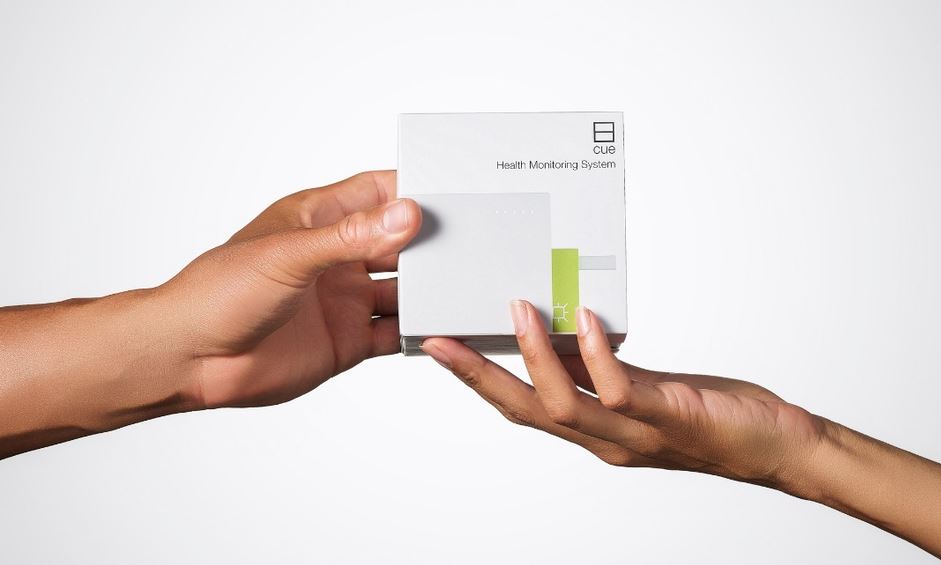
Our client made a molecular COVID-19 test that people ran at home, with results delivered to a phone app in about 20 minutes. In the summer of 2021 the company was getting ready to sell directly to consumers for the first time, in every state.
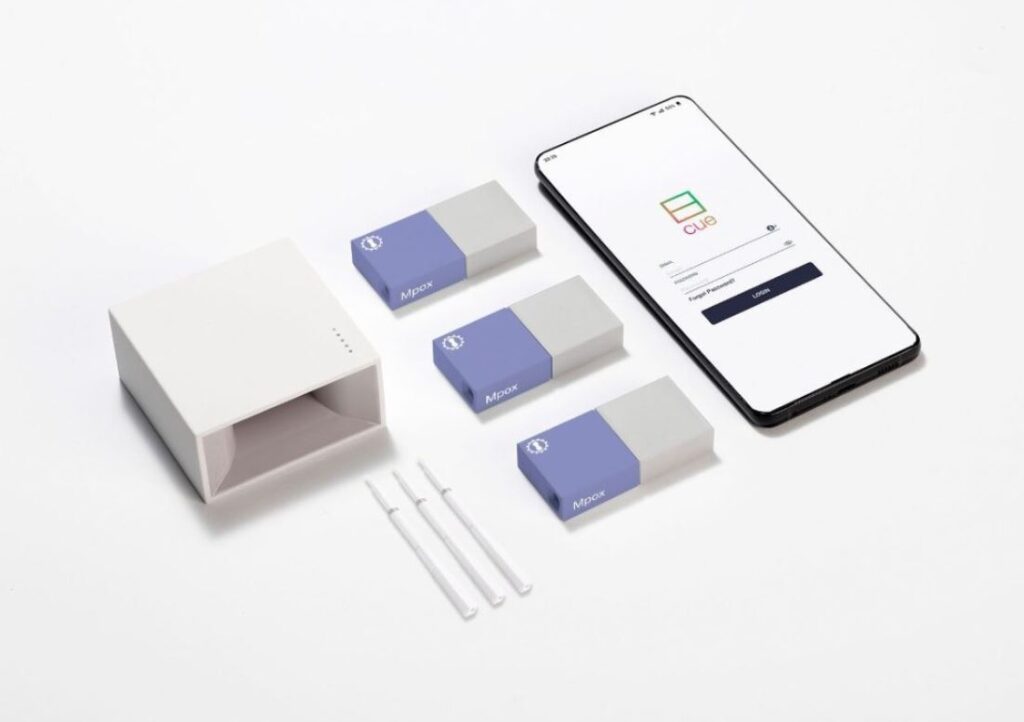
It needed an online store for a hardware reader, test cartridges and a monthly membership. The store also had to connect to the company’s health app, where customers’ accounts and test results already lived.
Working alongside a partner agency, SLIDEFACTORY built the main Shopify Plus website: the storefront, the product pages, and a custom cart and checkout. Our first meeting was on July 29, 2021. The store launched to consumers on November 15, 2021, and we kept building on it until August 2022.
From first meeting to consumer launch
Shopify Plus stores, US and Canada
Languages, English and Canadian French
Of development, July 2021 to August 2022
An overview of the Shopify Plus build. Interface illustrations are simplified and unbranded.
One account across the app and the store
Customers already had accounts in the health app. A second login for the store would have split them in two, and guest checkout would have separated purchases from the health records they belonged to.
The store used Shopify Plus Multipass single sign-on. A customer signed in to the app could follow a link into the store and arrive already logged in, with a Shopify account created automatically from their profile. Anyone arriving from search could browse every product, and checkout asked them to create an account first. Order data stayed in Shopify, and the app read it back through the Multipass API.
Membership pricing Shopify could not do on its own
The membership was sold as a product in the store and billed monthly through Recharge. Members paid less on the rest of the catalog.
Recharge could only discount every item in a store at once. The client needed discounts on specific products by membership tier. We built member pricing on Shopify customer tags and discount groups: buying a membership tagged the customer, and the tag unlocked that tier’s prices across the store. Members could not stack promo codes on top of their membership discount.
Every product card and product page showed the member price next to the standard price, so a shopper saw the saving before joining.
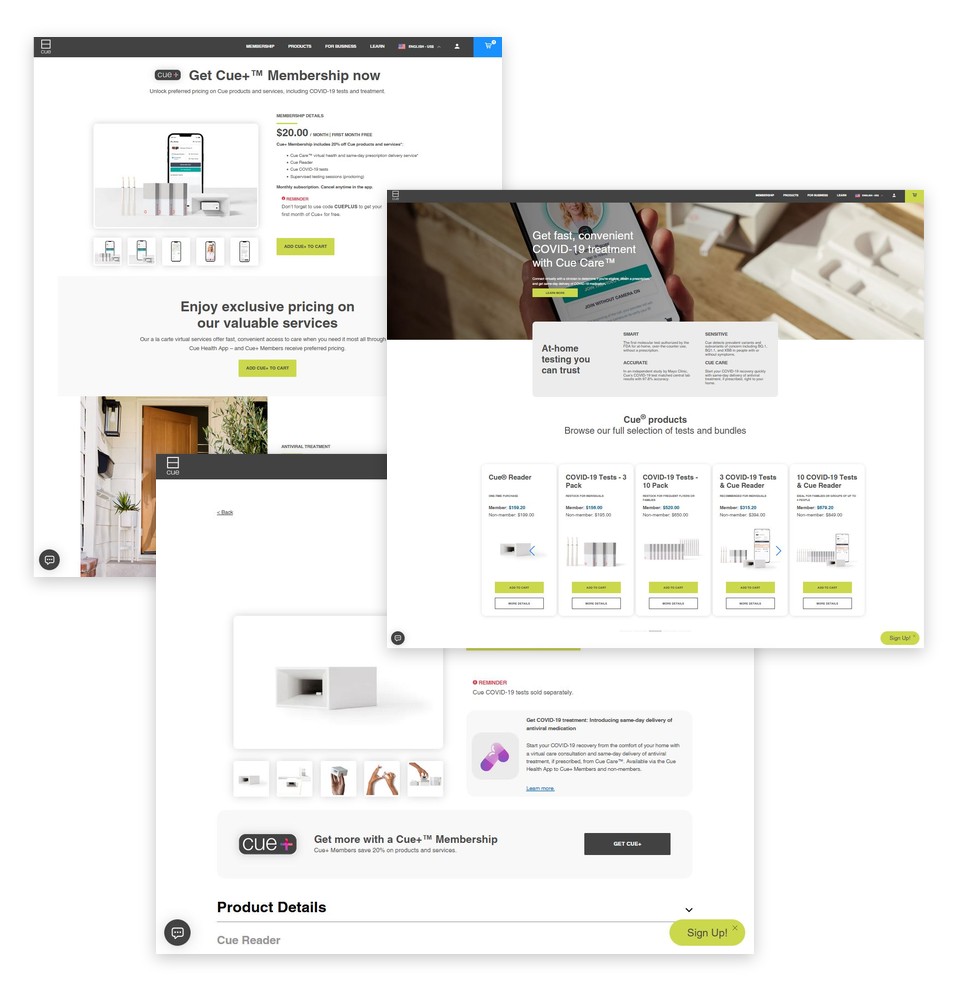
The membership page, the product grid with member and non-member pricing, and a product detail page.
Product pages and bundles
The catalog was small, and every item was bought differently:
- The reader, a one-time hardware purchase
- Test cartridges in 1, 3 and 10 packs, bought again and again
- Bundles that paired a reader with a set of tests
- Memberships, a monthly subscription
Bundles were the hard part. A bundle had to add a reader and a set of cartridges to the cart as one purchase, at one price, and still show the right member discount. We built that logic with Shopify Scripts and a bundle app configured to the client’s rules.
Product pages carried image galleries, expandable product details, and reminders where a shopper needed one, such as tests being sold separately from the reader. Membership offers sat on product pages next to the price they would lower.
A custom cart and checkout
We built the cart drawer, cart page and checkout from the client’s designs. They carried member pricing through to the final total, applied discount codes inline, and blocked purchases from anyone not signed in. Checkout also carried the subscription terms for membership purchases, HSA payment messaging, and analytics tags on each step.
In 2022 we ran a dedicated accessibility pass on the cart against ADA requirements, alongside accessibility fixes across the rest of the store.
After launch: Canada, partners and campaigns
The store kept growing for nine months after launch. Over that time we built:
- A second Shopify Plus store for Canada, with Canadian French translation and its own checkout. Both stores ran from one theme codebase, and every sprint release was merged and shipped to the US and Canadian stores together.
- Private partner pages for the client’s corporate customers, with their own product templates, partner product cards and bundle pricing, gated with Locksmith so only each partner’s people could reach them.
- A travel page with an embedded widget that showed testing requirements by destination.
- A landing page for a national TV campaign, shipped in February 2022 under a code freeze, with a staging store rebuilt to match production so fixes could be tested before they went live.
Built on the client’s design system
We built the theme from the client’s Figma designs to match their main website: header, flyout and mobile navigation, cart flyout, footer, My Account, and discount fields. A shopper moving from the main site into the store saw the same navigation and the same brand.
The theme lived in a git repository connected to development, staging and production stores. Work ran in sprints, each change was reviewed on staging, and releases went to production on a set schedule.
The result
The store sold tests, readers and memberships nationwide while demand for at-home testing was at its peak, and expanded into Canada in a second language. Customers moved between the app and the store on one account, and members saw their prices on every page they shopped.
If you run a store with memberships, bundles or more than one market, our Shopify development page explains how we approach the work. For the design and build side on its own, see web design and development.