
Everything you see in Unity, from the simplest cube to the most elaborate spaceship, from invisible collision zones to complex character controllers, starts with the same fundamental building block. In Unity’s world, that building block is called a GameObject, and understanding this concept is like discovering the secret ingredient that makes everything else possible.
Think of GameObjects as Unity’s version of Lego bricks. Just as every Lego creation, whether it’s a simple house or an elaborate castle, is built from individual plastic blocks, every element in your Unity scene is built from GameObjects.
Welcome to the third article in our Unity Basics series! In our previous posts, we explored what Unity is and took our first tour of the editor interface. Now we’re diving into the fundamental building blocks that make Unity tick, GameObjects and Components. This is where the magic really begins.
The Lego Brick Metaphor: Understanding GameObjects
Imagine you’re holding a single Lego brick. By itself, it’s just a colored plastic block. It has:
- A position in space (where you place it)
- A size and shape (2×4, 1×1, etc.)
- A color and appearance (red, blue, transparent)
- Connection points where other pieces can attach
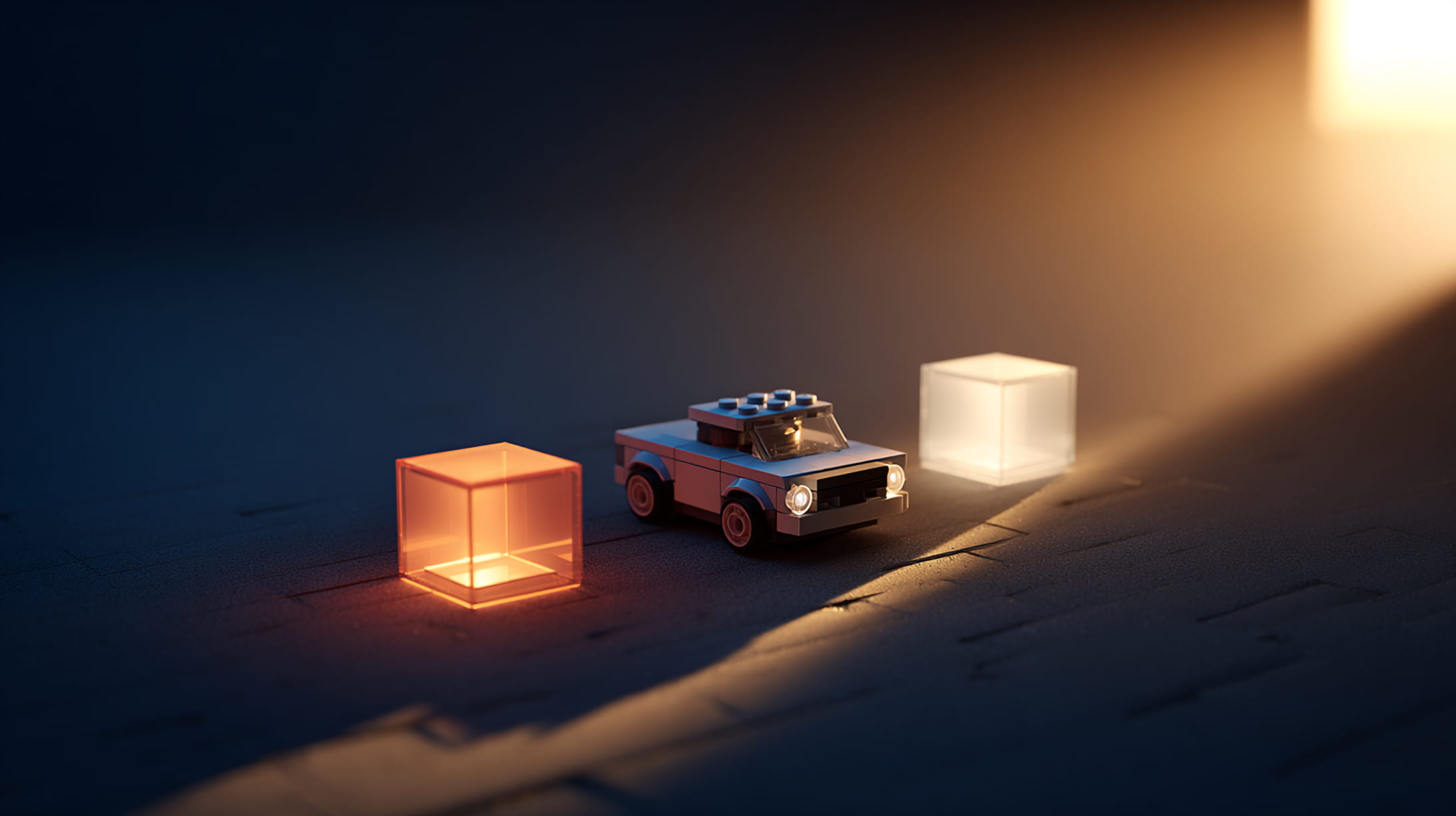
But here’s the key insight: that simple brick can become part of anything: a car, a building, a robot, or even an abstract sculpture. The brick itself doesn’t determine what it becomes; that’s decided by how you combine it with other bricks and what purpose you give it in your creation.
GameObjects work exactly the same way. A GameObject by itself is essentially empty, a invisible container with a position in 3D space. What makes it interesting, what gives it personality and purpose, are the Components you attach to it.
Components: The Superpowers of Your Lego Bricks
If GameObjects are Lego bricks, then Components are like magical attachments that give each brick special abilities. Imagine if you could attach a “glowing” component to make a brick light up, or a “spinning” component to make it rotate, or a “magnetic” component to make it attract other pieces.
In Unity, Components are exactly that, modular pieces of functionality that you can mix and match to create any behavior you can imagine.
Every GameObject has at least one Component: the Transform Component. This is like the brick’s fundamental properties: its position, rotation, and size in 3D space. You literally cannot have a GameObject without a Transform because everything in Unity needs to exist somewhere.
A Simple Example: Building a Glowing Cube
Let’s walk through a concrete example to see how this system works. We’ll create something simple but illustrative: a rotating, glowing cube.
Step 1: The GameObject Foundation
- Create a GameObject (our empty Lego brick)
- It automatically gets a Transform Component (position, rotation, scale)
- At this point, it exists but is completely invisible
Step 2: Adding Visual Components
- Attach a Mesh Filter Component (defines the 3D shape: “this is a cube”)
- Attach a Mesh Renderer Component (makes it visible: “draw this shape on screen”)
- Now we have a visible white cube in our scene
Step 3: Adding Material and Color
- Create a Material (like choosing paint for our Lego brick)
- Assign the Material to the Mesh Renderer
- Change the material’s color, maybe make it glow with emission
Step 4: Adding Behavior
- Attach a script Component that rotates the cube
- Now our cube spins continuously
The Beautiful Result: What started as an empty GameObject has become a glowing, rotating cube, all through the combination of different Components.
The Component System: Mix and Match Magic
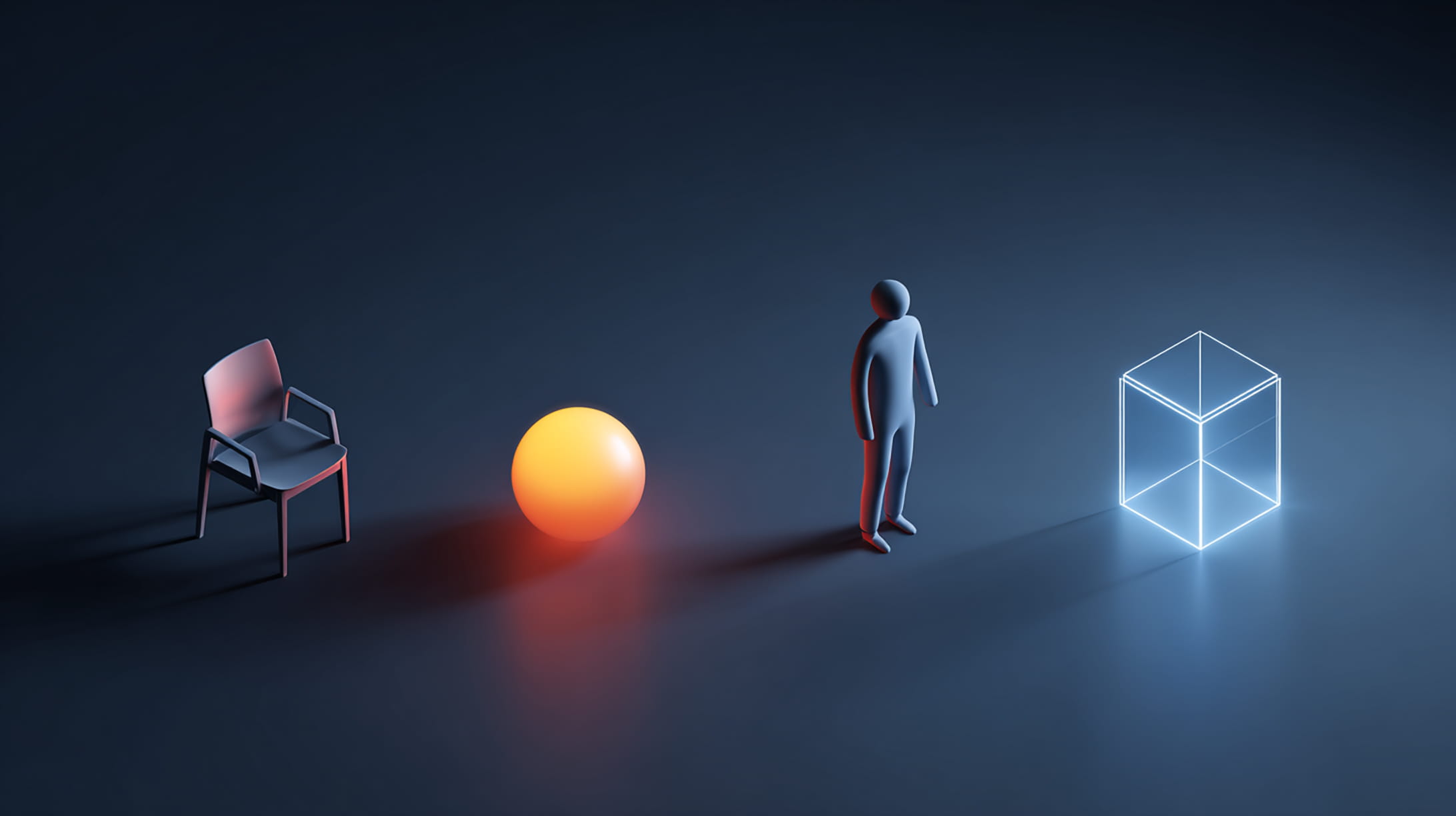
This is where Unity’s genius really shines. Because functionality is modular, you can create incredibly diverse objects by mixing different Components:
A Simple Chair:
- Transform (position and size)
- Mesh Filter (chair-shaped 3D model)
- Mesh Renderer (makes it visible)
- Collider (so other objects can’t pass through it)
A Bouncing Ball:
- Transform (position and size)
- Mesh Filter (sphere shape)
- Mesh Renderer (colorful material)
- Rigidbody (physics properties like weight)
- Sphere Collider (defines bounce boundaries)
- Bounce Physics Material (makes it actually bounce)
A Player Character:
- Transform (where they stand)
- Mesh Filter (human-shaped model)
- Mesh Renderer (textured appearance)
- Character Controller (handles walking and jumping)
- Script Components (responds to player input)
- Animator (plays walking/jumping animations)
- Audio Source (footstep sounds)
An Invisible Trigger Zone:
- Transform (position and size of the zone)
- Box Collider (defines the trigger area)
- Script Component (detects when player enters)
- No Mesh Renderer (stays invisible)
From Simple to Complex: The Building Process
The beauty of this system becomes clear when you realize that complexity emerges naturally from simplicity. That elaborate spaceship you admire in a Unity game? It’s likely made up of dozens or hundreds of GameObjects, each with their own combination of Components:
- The main ship body: Mesh components for the visual model, colliders for physics
- Engine particles: Particle system components creating thrust effects
- Cockpit lights: Light components with scripted blinking behaviors
- Weapon systems: Script components handling shooting mechanics
- Invisible trigger zones: Detecting when enemies get too close
- Audio sources: Engine sounds, weapon firing, ambient ship noises
Each piece is built using the same fundamental GameObject + Components approach you use for a simple cube.
The Inspector: Your Component Workshop
Remember the Inspector panel from our previous article? Now you can see its true purpose. When you select a GameObject, the Inspector becomes your component workshop, showing you all the Components attached to that object and letting you adjust their properties.
What you’ll typically see:
- Transform (always present)
- Mesh Filter (if it has a 3D shape)
- Mesh Renderer (if it’s visible)
- Any additional Components you’ve added
Each Component has its own section with relevant controls. The Transform shows position/rotation/scale sliders. The Mesh Renderer shows material assignment and lighting options. Script Components show any custom properties the programmer exposed.
Hierarchy Relationships: Lego Structures
Just like Lego creations, Unity GameObjects can be connected in parent-child relationships. A car GameObject might have wheel GameObjects as children, each with their own Components for spinning and physics.
Why use parent-child relationships?
- Organization: Keep related objects grouped together
- Shared movement: When the parent moves, children move with it
- Logical structure: A house GameObject contains door and window GameObjects
- Easier management: Disable the parent, and all children disappear too
Common Beginner Misconceptions
“I need different types of objects for different things”Not true! There’s only one type of object in Unity, the GameObject. What makes objects different is the combination of Components you attach to them.
“Complex objects must be complicated to create”Often, the most impressive objects are just clever combinations of simple Components. A flickering campfire might be just a few particle systems and light components working together.
“I need to understand programming to use Components”Many powerful Components require no programming at all. Mesh Renderers, Colliders, Lights, Audio Sources, and Particle Systems are all visual, no-code Components.
Your First GameObject Exercise
Ready to try this yourself? Here’s a simple exercise to cement these concepts:
- Create a new 3D scene in Unity
- Add a Cube (GameObject → 3D Object → Cube)
- Look at the Inspector, notice the Transform, Mesh Filter, Mesh Renderer, and Box Collider Components
- Try changing the Transform values, watch t