Here for the process? Skip to how we make an AI video, step by step: custom voice, human read, still frames, animation and edit.
The Challenge
Modern video production presents consistent challenges across industries:
- High costs for short-form and frequently updated content
- Long timelines that limit iteration and experimentation
- Difficulty maintaining consistency across large video libraries
- The need to produce multiple versions for different platforms and audiences
Clients increasingly need video that is clear, repeatable, and easy to update. The challenge was to design an AI-driven video workflow that could move quickly, scale efficiently, and still deliver polished, professional results.
The Concept
Rather than treating AI as a replacement for creative teams, we approached it as a production accelerator and creative collaborator.
Using generative AI tools, we produced a range of content types, including:
- Concept-driven AI commercials
- Short-form narrative and experimental videos
- Social media videos designed for rapid deployment
- Training and instructional videos that require clarity and consistency
Internal projects, such as Alien and Bigfoot-inspired commercials, allowed us to explore bold visual styles, pacing, and tone. These experiments informed how we approach client work, especially where speed, consistency, and scalability are critical.
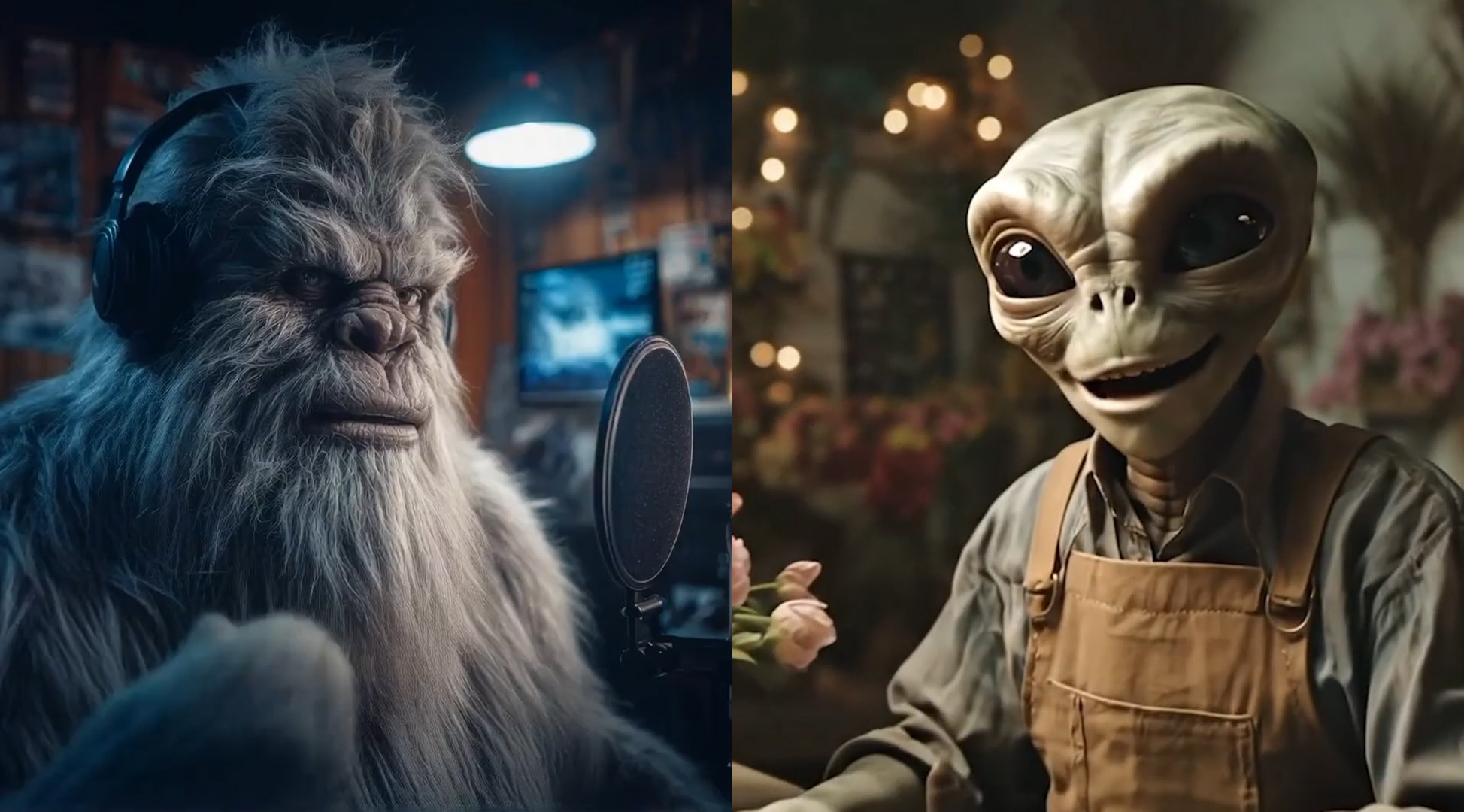
Concept Exploration and Internal R&D
Concept-driven pieces served as a proving ground for our AI video production workflow. These internal projects allowed us to test where generative AI is most effective, how far visuals can be pushed, and how AI-generated footage holds up when shaped by traditional storytelling techniques.
Working in-house made it possible to:
- Iterate rapidly without resetting production
- Test multiple visual directions and narrative approaches
- Refine prompt strategies, pacing, and editing techniques
- Identify where human direction adds the most value
This experimentation directly informed how we structure client-facing projects, reducing risk and improving efficiency.


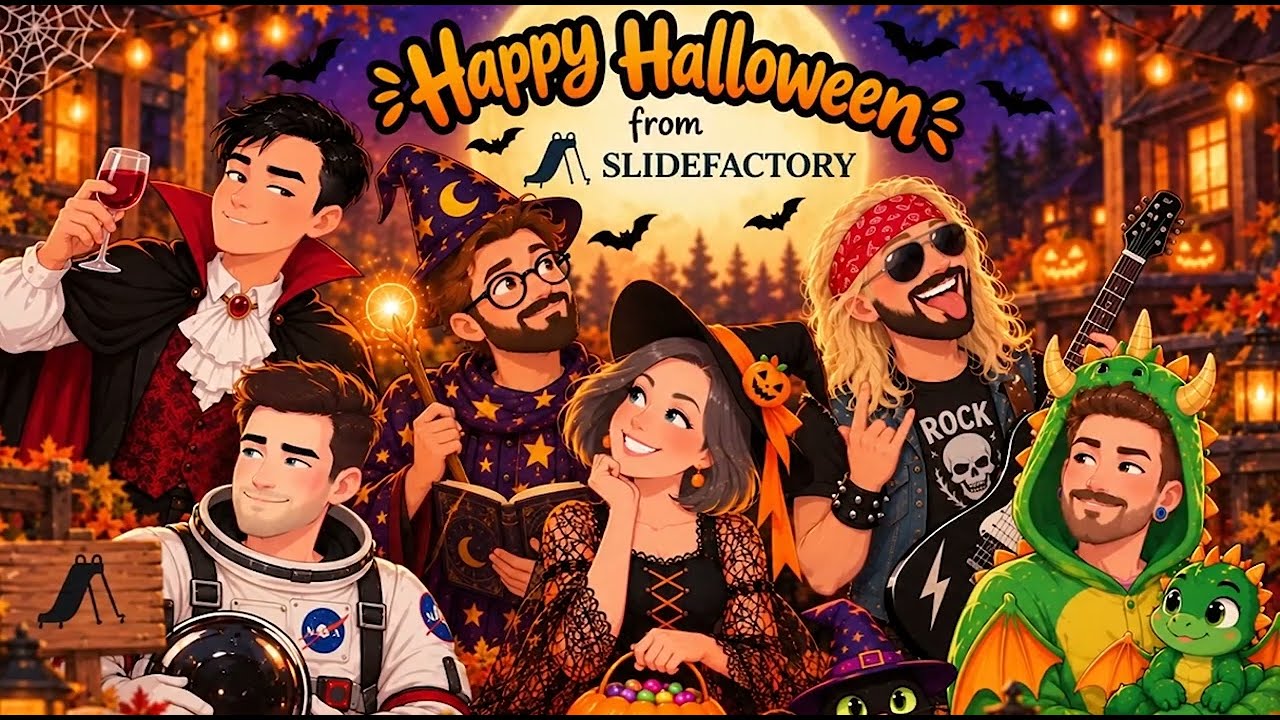
Applying the Workflow to Client Video Production
The insights gained from internal R&D translate directly into client-facing AI video production. The same tools and processes are used to deliver a wide range of practical, production-ready content.
For clients, this includes:
- Training and instructional videos used for onboarding, education, and internal communication
- Social media videos designed for speed, volume, and platform-specific formats
- Marketing and explainer videos that require clarity and visual consistency
- Ongoing content series that benefit from fast updates and repeatable structure
Because AI-generated footage can be revised without reshoots, clients are able to update messaging, scripts, or visuals quickly. This is especially valuable for training content that evolves over time or social content that needs frequent iteration.
The workflow supports:
- Faster turnaround times
- Consistent visual and tonal output
- Multiple versions for different audiences or platforms
- Lower production overhead compared to traditional video shoots
For BatchGeo, a mapping platform we have worked on since 2021, this workflow produced six product training videos and a set of supporting social assets in two to three weeks, at about 25 to 33% of the cost of a traditional shoot. The video below is one of the six.
AI Actors and AI Spokespeople
AI actors and AI spokespeople play a central role in many client projects. These virtual presenters provide a consistent on-screen presence for training, marketing, and social content, without the scheduling or logistical constraints of live production.
This approach is particularly effective for:
- Employee training and onboarding videos
- Product walkthroughs and explainers
- Social video content requiring frequent updates
- Internal communications and announcements
Using AI spokespeople allows teams to:
- Update scripts without reshooting footage
- Maintain a consistent delivery style across large video libraries
- Scale video production across departments or campaigns
- Localize content for different regions or audiences
By pairing AI presenters with thoughtful scripting, editing, and creative direction, the videos retain a professional, human feel while remaining flexible and easy to maintain.
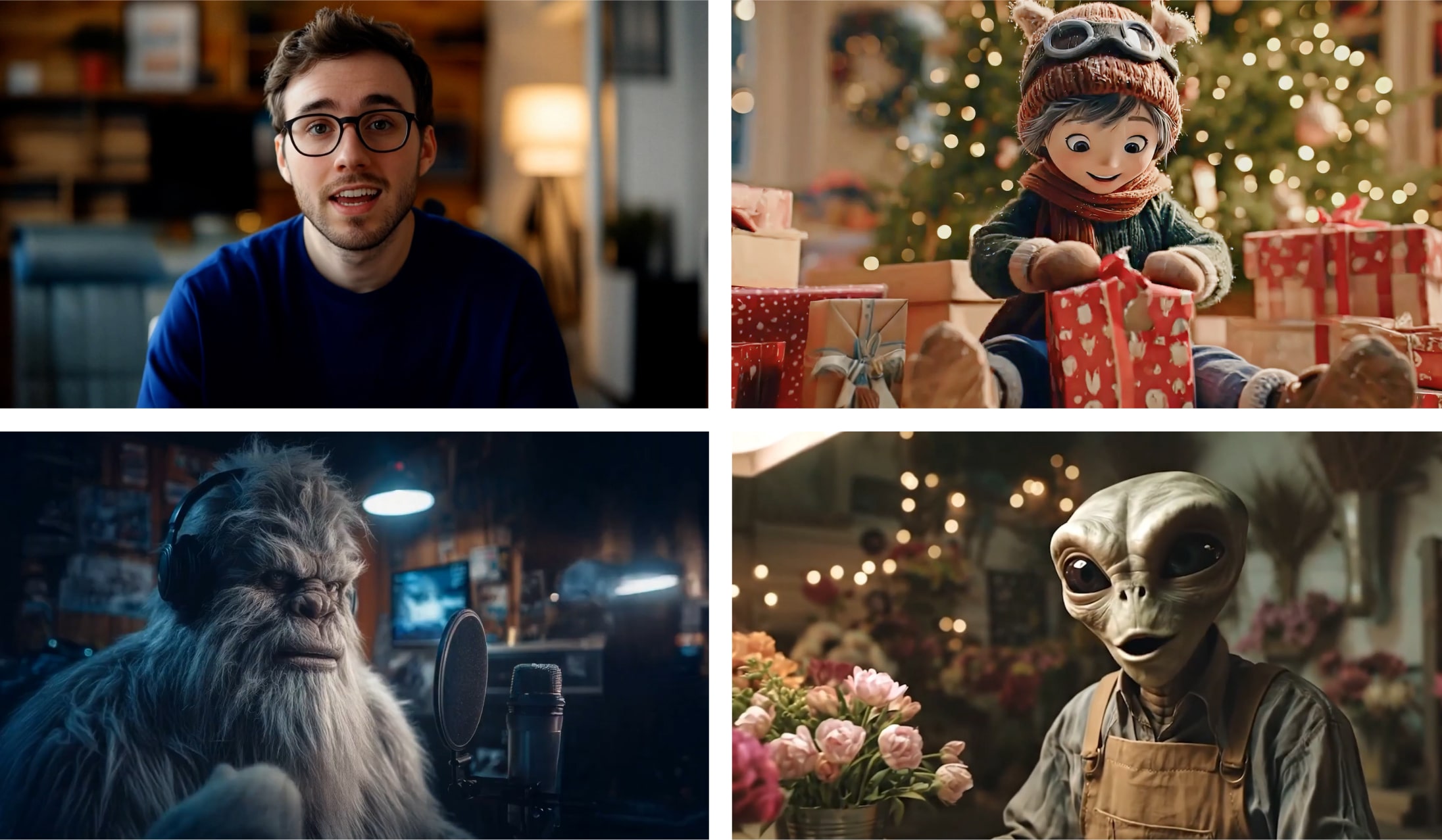
How We Make an AI Video, Step by Step
Our AI videos start with a script and a voice, not with a prompt. Once the voice track is locked, every later step has something fixed to build around.
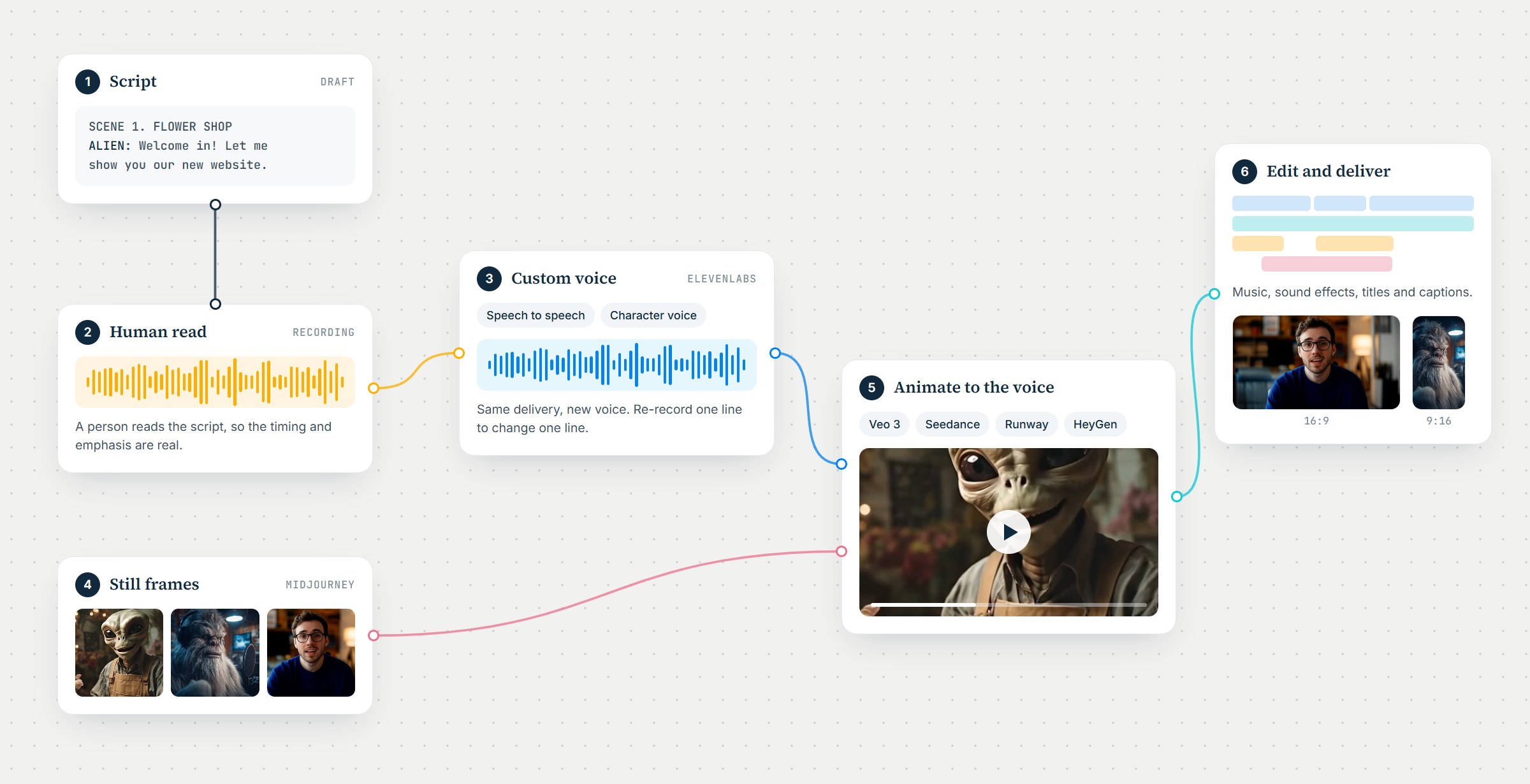
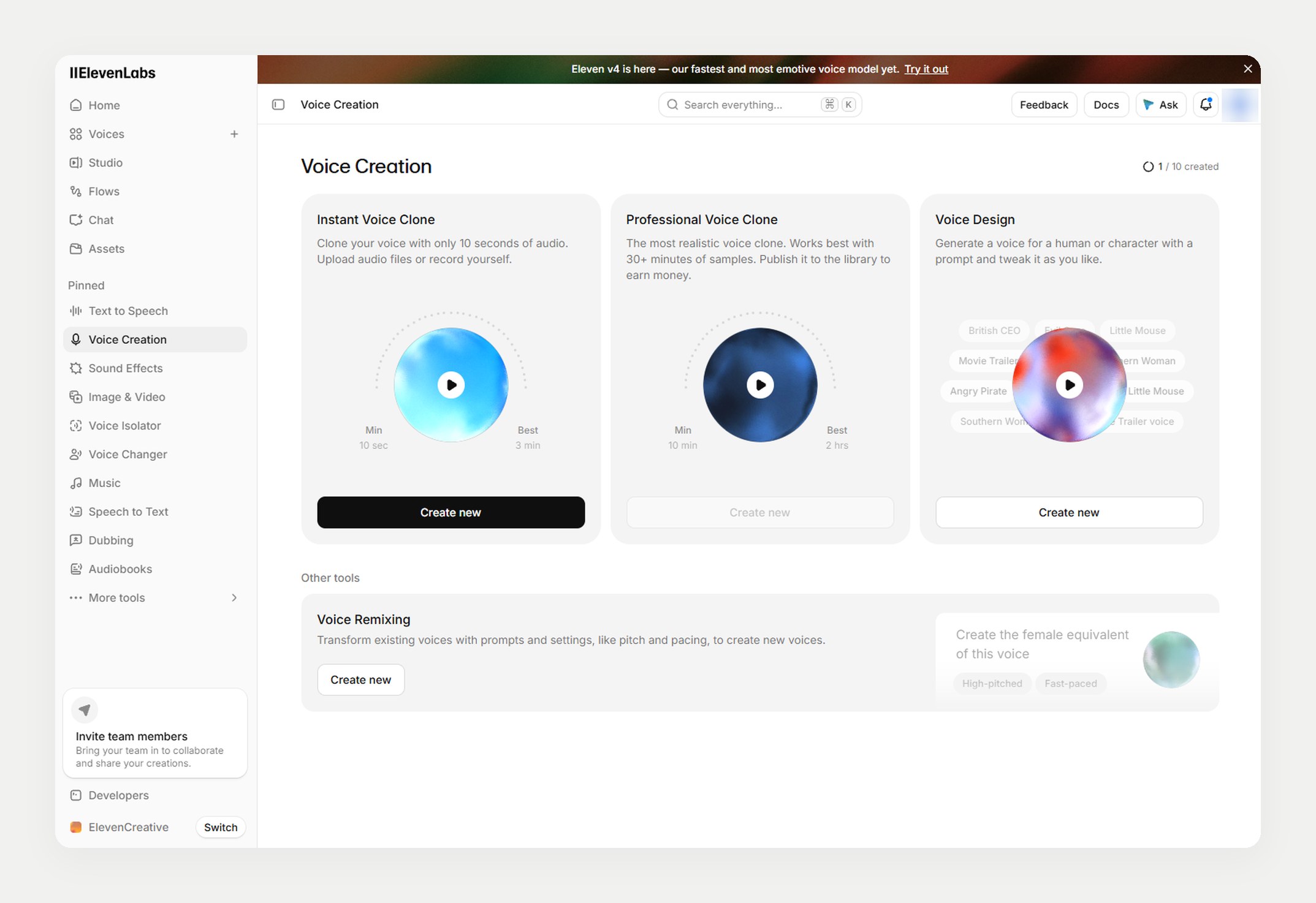
1. Build a custom voice in ElevenLabs
We design a custom voice for the character or presenter in ElevenLabs. That voice carries across every video in a series, so a library of training videos sounds like one presenter instead of six.
2. Record a person reading the script
Someone on our team records the script out loud. A text-to-speech read gets the words right; a human read also gets the pauses, the emphasis and the comic timing the script was written for.
3. Convert the recording to the custom voice
ElevenLabs speech-to-speech turns that recording into the custom voice. The delivery stays human and only the voice changes. When a line changes later, we re-record that one line and convert it again, with no studio session to book.
4. Design the still frames
Each shot begins as a still image of the character, the set and the lighting, made with image tools such as Midjourney. Approving the look as a still before anything moves keeps a character consistent from shot to shot.
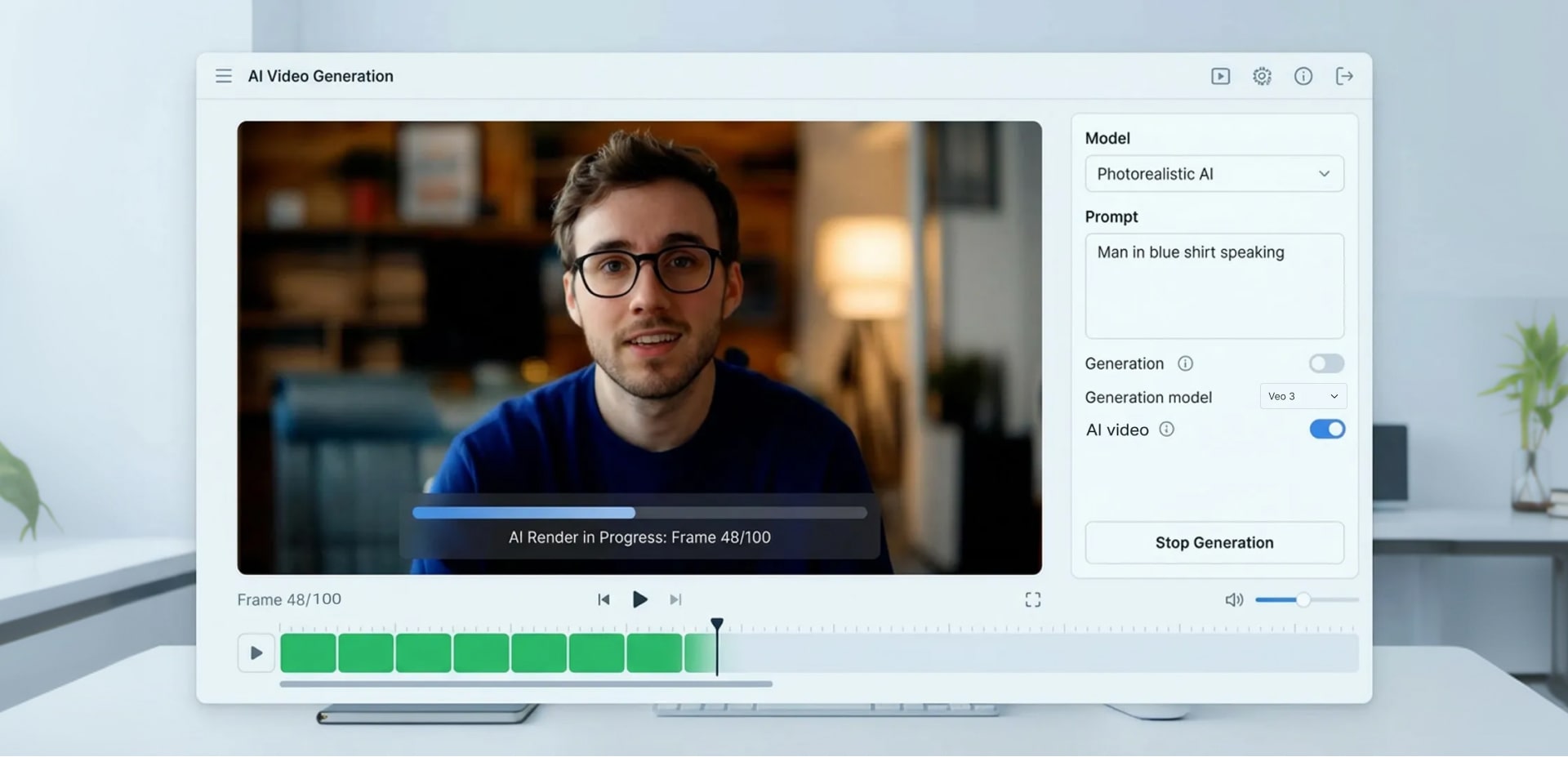
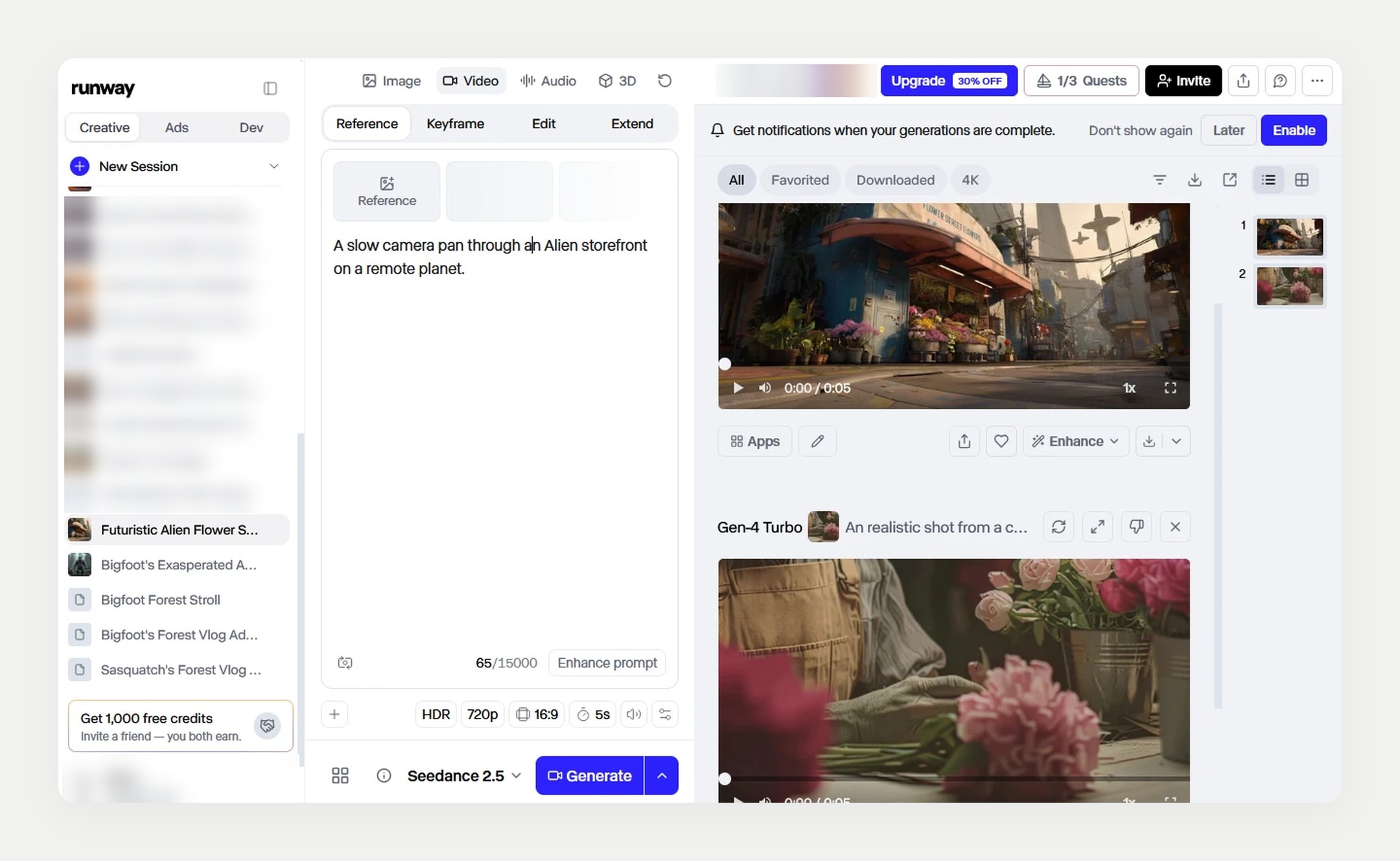
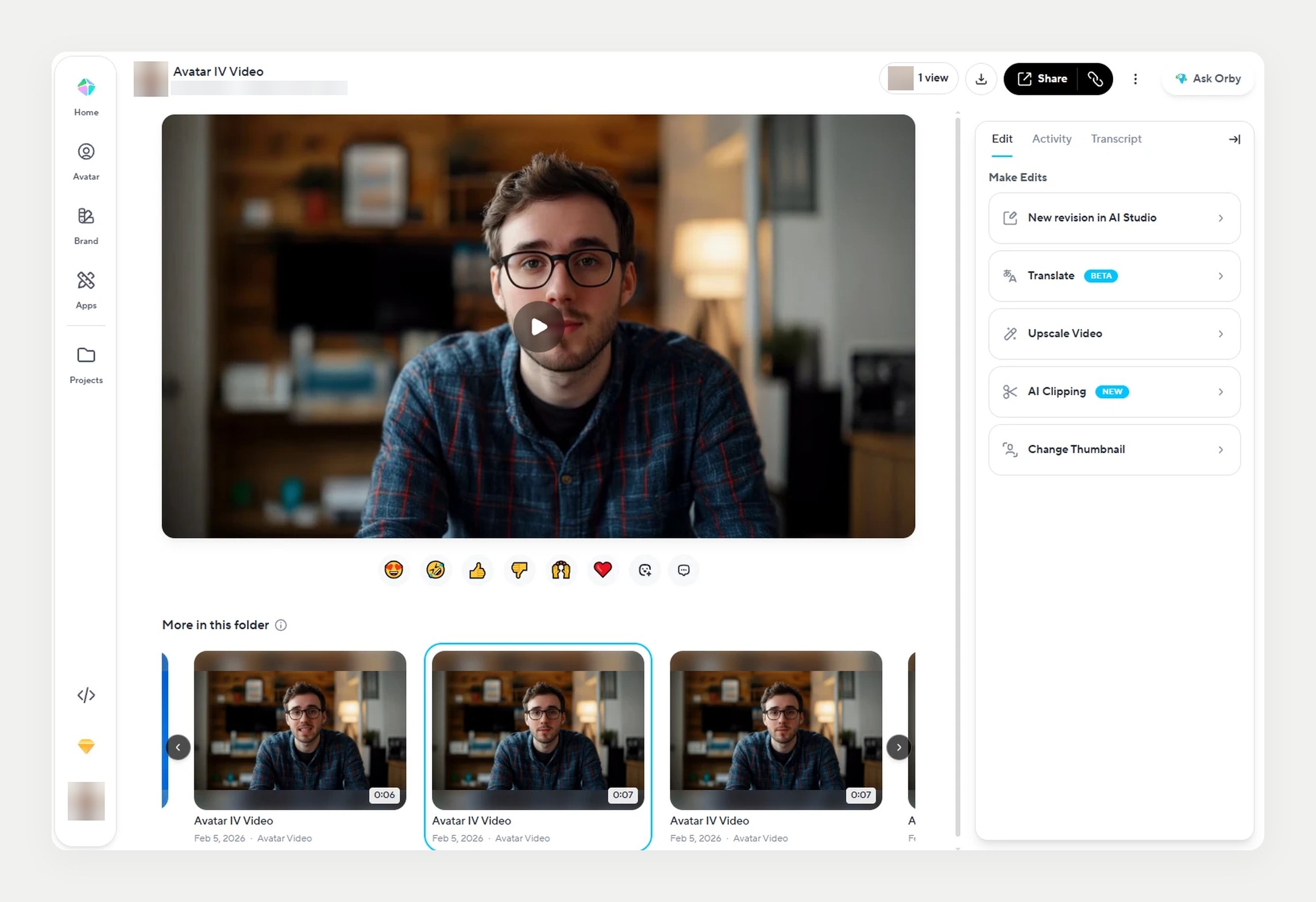
5. Animate the stills to the voice in Veo 3, Seedance, Runway and HeyGen
The approved stills and the converted voice track go into Veo 3, Seedance 2.5, Runway or HeyGen, which turn each still into a moving shot and sync the character’s mouth to the audio. We choose the model by content type, and a finished video often mixes shots from more than one.
6. Edit, mix and deliver
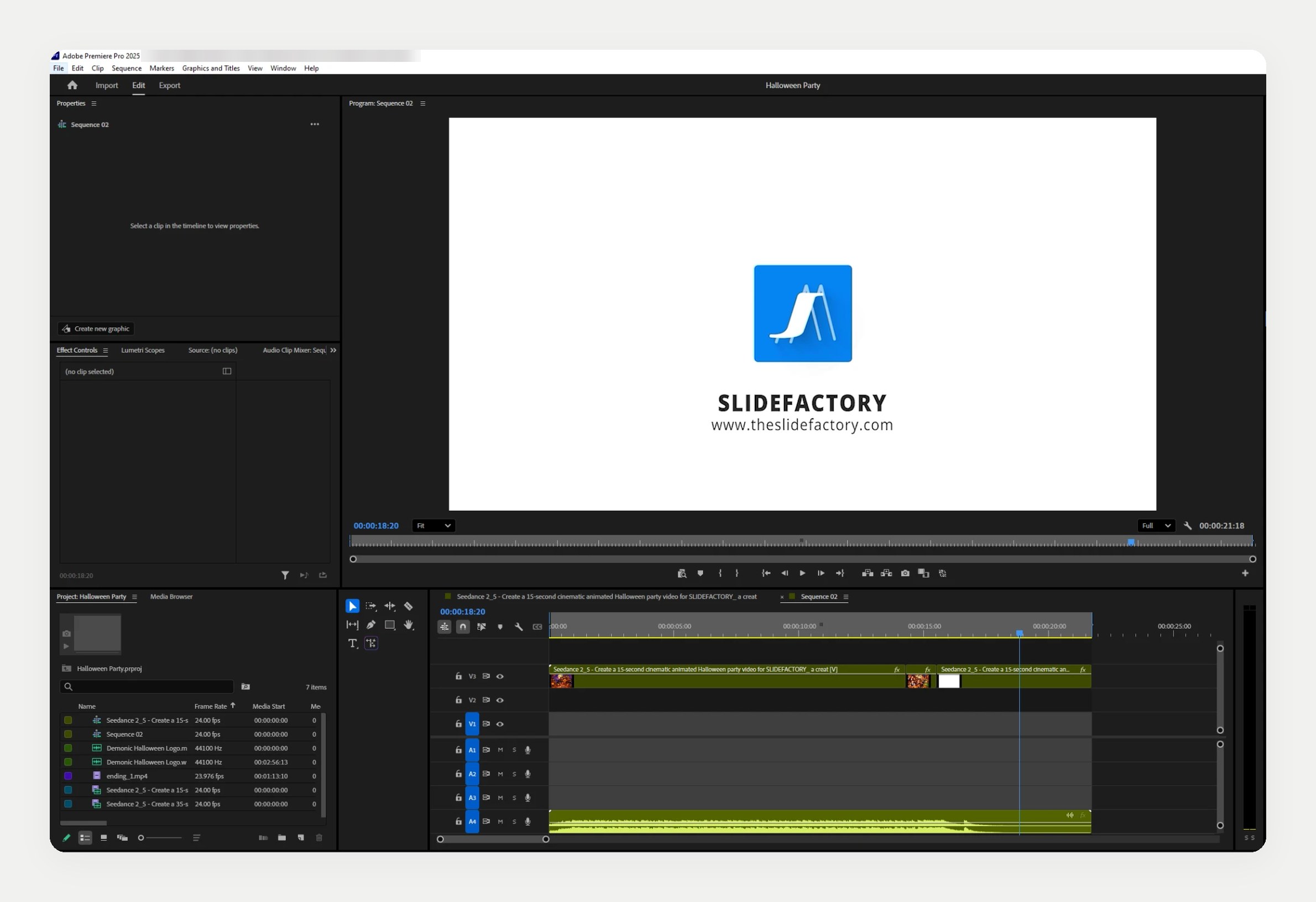
The generated clips are cut together in Adobe Premiere Pro with music, sound effects, titles and captions, then exported in each format the video needs, such as 16:9 for a training library and 9:16 for social.
Technologies Used
Our AI video production workflow combines best-in-class tools selected based on project needs:
- Google Veo 3 for high-fidelity generative video and cinematic motion
- Runway for generative video, scene extension, and visual experimentation
- Seedance 2.5 for cinematic and animated generative shots
- OpenAI Sora for concept exploration and next-generation video generation
- HeyGen for AI actors, AI spokespeople, and presenter-driven content
- ElevenLabs for custom voices, and speech-to-speech conversion of recorded reads into those voices
- Midjourney for still frames, characters and concept art
- Adobe Premiere Pro for the edit, music, sound, titles and final exports
These tools are combined with traditional editing and creative direction to ensure each video feels intentional, polished, and aligned with its audience.
The Results
This AI-driven approach enabled:
- Faster delivery of training and social video content
- Reduced production costs for frequently updated videos
- Greater creative flexibility without expanding scope
- Consistent quality across large volumes of content
For clients, this means more video, produced more efficiently, without sacrificing clarity or professionalism.
Why AI Video Production Works
AI-powered video production is effective because it:
- Compresses ideation, production, and iteration into a single workflow
- Reduces risk when testing new ideas or formats
- Scales across platforms, audiences, and content types
- Keeps creative teams focused on storytelling and strategy
For training, social media, and marketing content, generative AI provides speed and flexibility that traditional production struggles to match.
Key Takeaways
- AI video production supports scalable, repeatable content creation
- Internal experimentation directly improves client outcomes
- AI actors and spokespeople enable consistent, updatable video libraries
- Hybrid workflows deliver speed without sacrificing creative control
Looking Ahead
This work demonstrates how AI video production can support commercial storytelling, social media, and training initiatives at scale. By continuing to invest in in-house exploration and applying those insights to client projects, we’ve built a production model designed for adaptability, efficiency, and long-term value.
As generative tools evolve, this approach provides a future-ready foundation for creating high-impact video across industries and use cases.
Planning a training series, a brand spot or a social campaign? See our AI video production services.