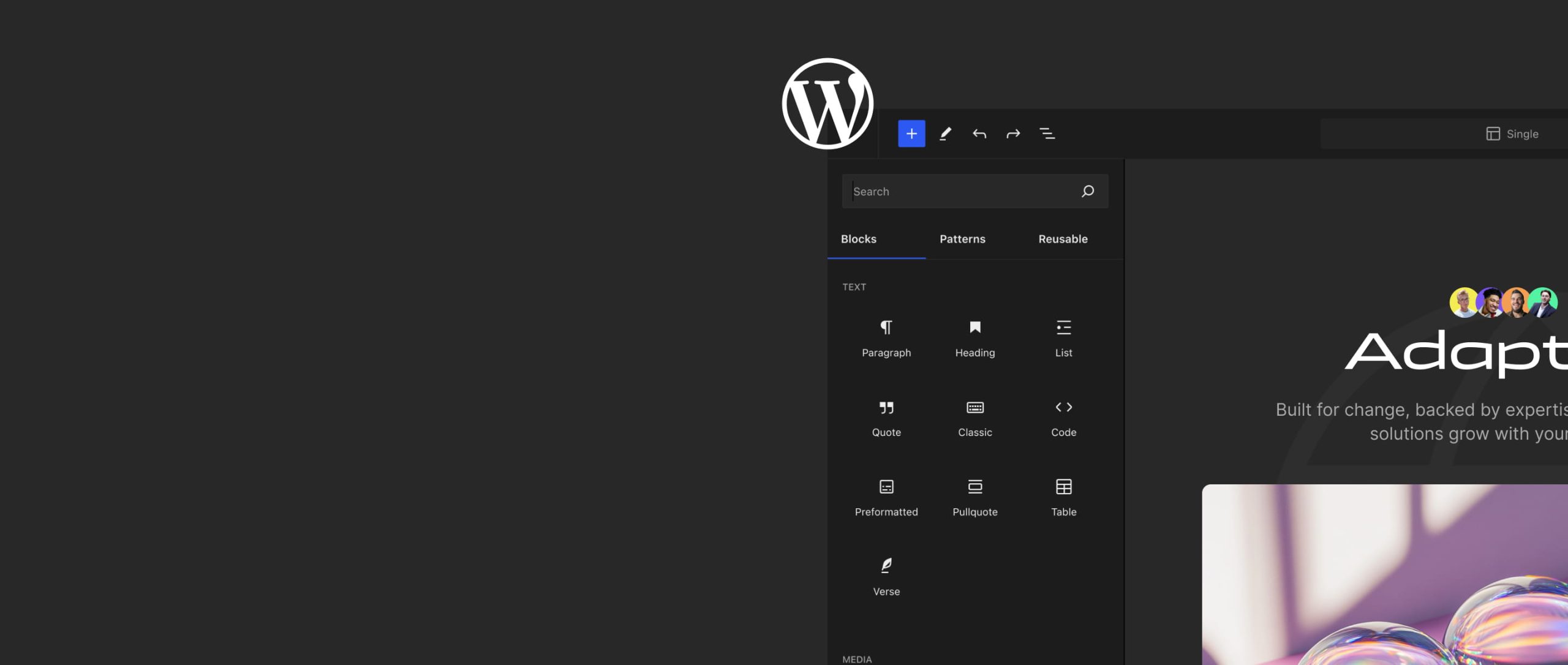
WordPress Design & Development
Get a professional WordPress site up and running fast. WordPress Design & Development with ongoing support to keep your website secure, fast, and effective.
Companies we've collaborated with












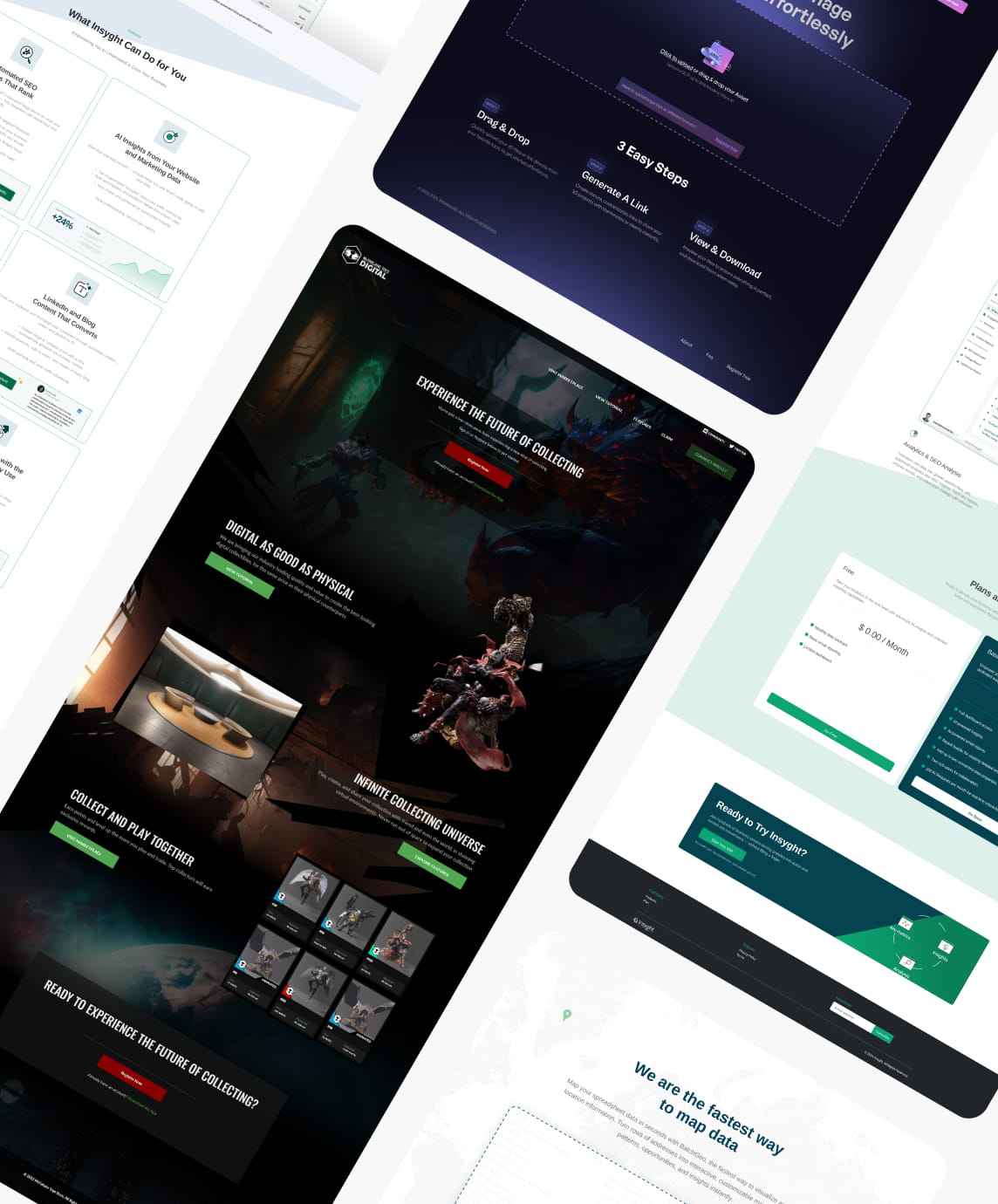

Tailored WordPress Design & Development Solutions For Your Business.
We provide hassle-free WordPress services built for startups, small businesses, and enterprises. You get a site that looks the way your business should look, loads quickly, stays secure, and stays yours: no proprietary builder to get locked into and no long-term contract to sign.
Every engagement covers the whole path from empty domain to live site, and then keeps going:
- WordPress installation and hosting setup
- Theme customization or custom design
- Plugin integration (SEO, security, forms, and the rest)
- Speed optimization
- Ongoing support and maintenance
- SEO and mobile optimization
- No long-term contracts
What We Offer
A full suite of WordPress Design & Development services designed to launch, support, and grow your website with ease.
WordPress Setup
Get your WordPress environment set up with proper hosting and configuration.
Custom Themes & Design
Tailored designs or customization of existing WordPress themes to fit your brand.
Plugin Configuration
Integration and setup of key plugins (SEO, Analytics, Forms, etc.).
Speed & Security Optimization
Improve load times and protect your site from threats.
Ongoing Support
Monthly maintenance, backups, and updates to keep your site running smoothly.
Expert Guidance
Advice and strategy from experienced WordPress professionals.

Why We’re Different
We combine professional design, strategic thinking, and efficient execution to deliver exceptional WordPress Design & Development that helps your business grow, without the premium price tag.
- WordPress experts. Years of hands-on experience building, maintaining, and scaling WordPress sites.
- Human support. Real people you can reach out to, no ticket systems, no bots.
- No lock-in. You own your site, content, and hosting, always.
- Speed and security. We optimize performance and protect your site from threats.
- Custom ready. Need something unique? We’ll tailor it to fit your business.
- Future friendly. Our work scales with your business and adapts to changing needs.
A Few Simple Steps
We follow a simple process to make your WordPress Design & Development journey as effortless as possible.
- Discover. A 15 to 30 minute call to understand your business, your goals, and what you prefer in terms of design and timeline.
- Develop. Our team builds and customizes your new site on WordPress, ensuring functionality and performance.
- Launch. Your new site is published live, and we handle all SEO redirection and post-launch optimization.
Already have a WordPress site?
You don’t have to start over. We audit, optimize, and support existing sites too, whether that means fixing what a previous developer left behind, cutting page load times, closing security gaps, or simply taking maintenance off your plate.
Related Solutions

Portland Web Design & Development
Expert Portland Website Design & Development services for businesses that need fast, modern, and user-friendly websites.
Explore Web Development →
Portland Digital Marketing Agency
Grow your business with paid search, paid social, content marketing, and outbound campaigns. Full-service digital marketing for Oregon companies.
Explore Marketing Solutions →
Web & Mobile Applications for IOS & Android
Build custom Web, Native, and Cross Platform Mobile apps for IOS and Android devices. Apps for Social and Gaming.
Explore Mobile Solutions →Frequently Asked Questions
What are some security tips for WordPress?
Keep your WordPress version, themes, and plugins updated. Use strong passwords and enable two-factor authentication. Install a security plugin to monitor for vulnerabilities, use SSL to encrypt data, and keep regular backups.
How do I install a plugin in WordPress?
Go to your dashboard and click Plugins > Add New. Search for a plugin or browse featured, popular, or recommended plugins, then click Install Now and Activate. You can also upload a plugin's .zip via Upload Plugin.
How do I customize a WordPress theme?
Use the WordPress Customizer under Appearance > Customize to change site identity, colors, menus, and widgets. For advanced work, use a child theme or custom CSS to override default styles.
How do I install WordPress?
Download the latest version, upload the files to your web server, create a MySQL database and user, configure wp-config.php with your database details, then run the installation by visiting your domain.
What are the best backup methods for WordPress?
Use an automated backup plugin (like UpdraftPlus or Jetpack Backup) to schedule regular full-site backups, and store copies off-site (cloud storage, not just your hosting server) so a single point of failure can’t wipe out your data. For anything important, keep more than one restore point and test a restore occasionally so you know it actually works when you need it.